VMS integration
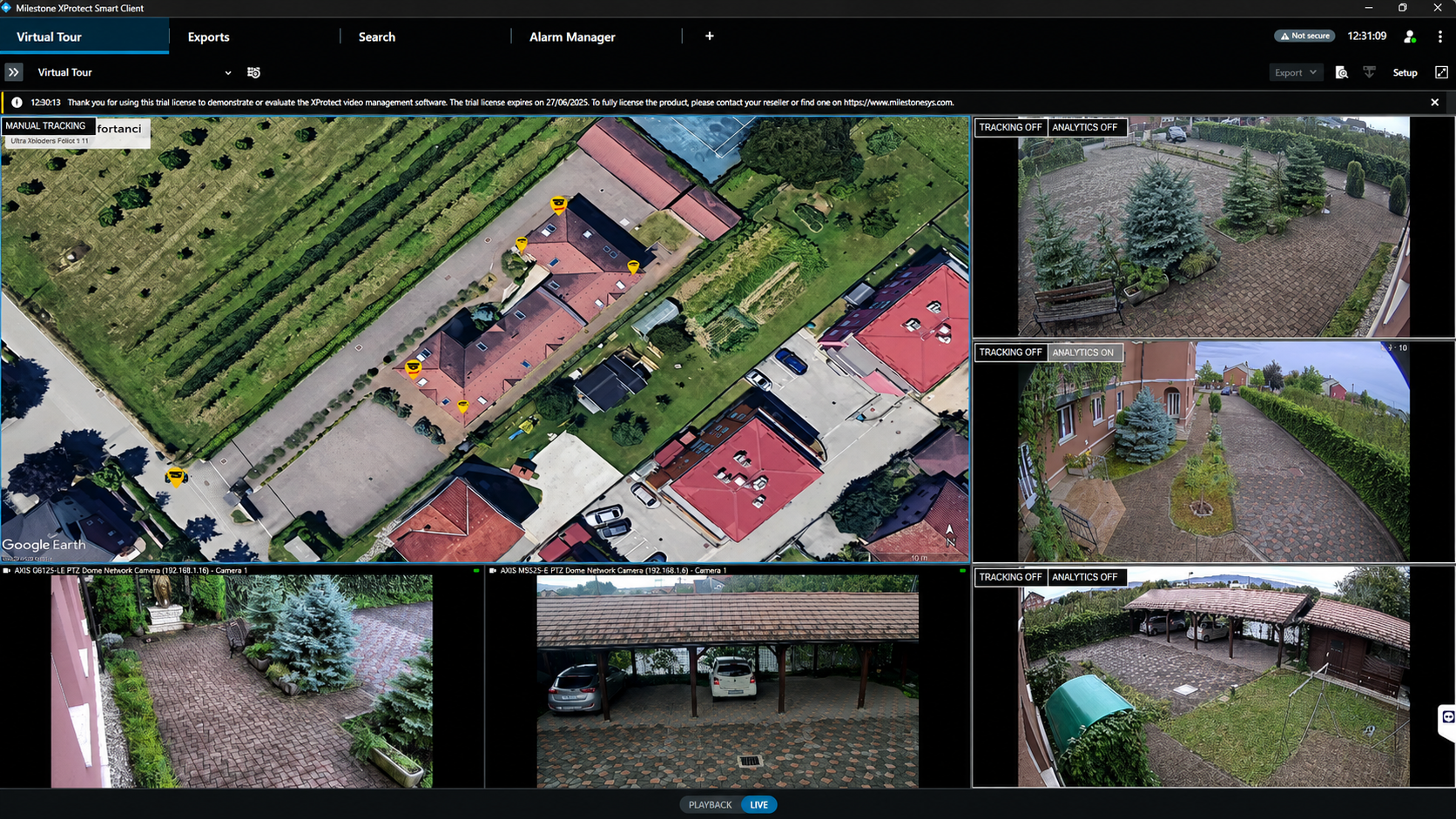
GroundTrack runs as an integrated Milestone XProtect solution, combining live video, detections, maps and PTZ control in one operational workflow.
GroundTrack runs as an integrated Milestone XProtect solution, combining live video, detections, maps and PTZ control in one operational workflow.
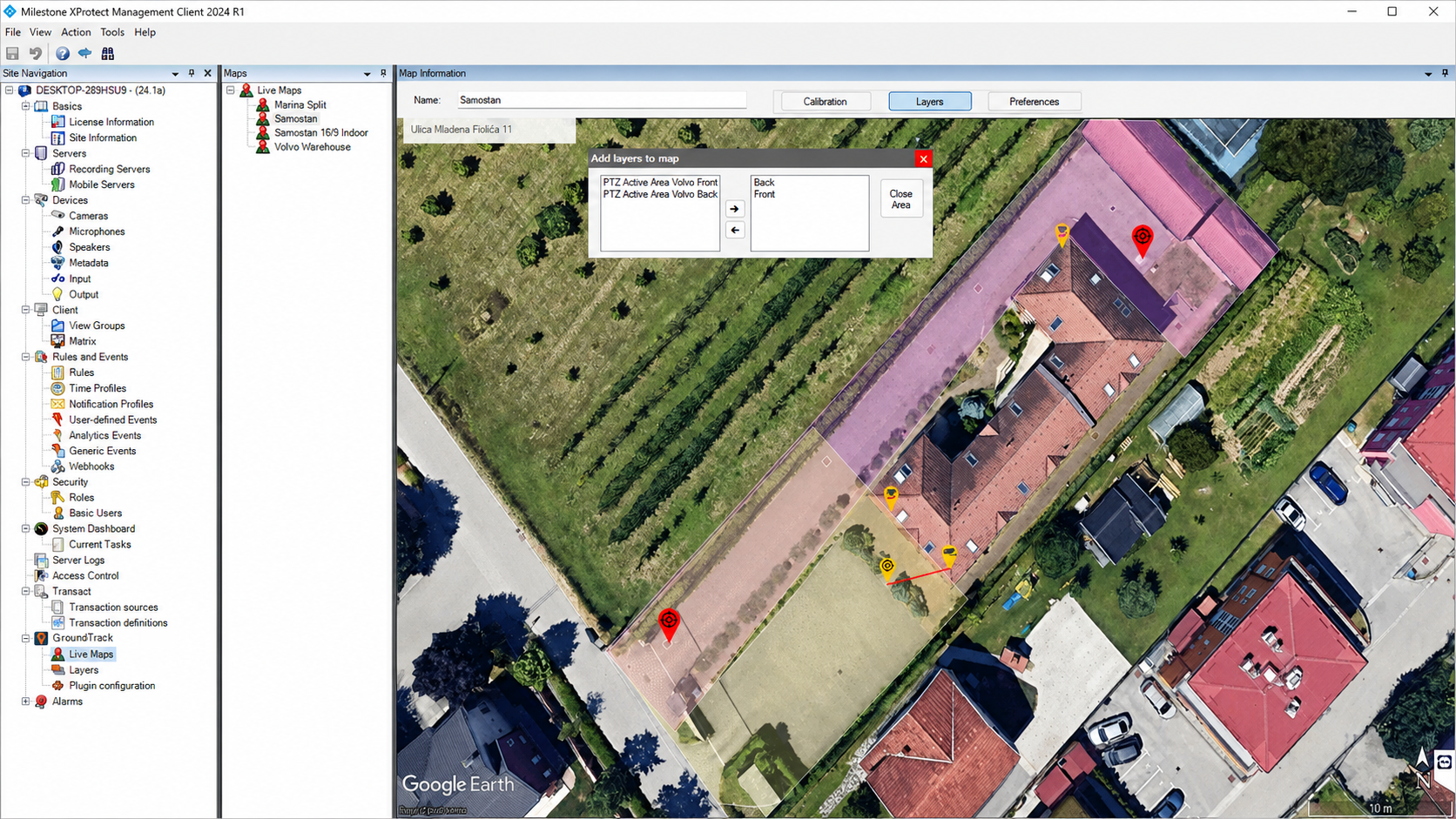
Cameras, radars and other sensors covering the site are connected to one or more PTZ cameras. Detection data automatically directs the assigned camera to the target — handing off between cameras as it moves.
The PTZ camera automatically follows the detected object, zooming in close enough to read details like license plates, while the operator can still take control directly from the map.
GroundTrack gives operators access to live video, the site map, detections, alarms and PTZ control from one interface inside Milestone XProtect — indoors or outdoors.
Control PTZ cameras directly from the site map, or select any detected person or vehicle for the camera to follow automatically.
GroundTrack continuously updates the PTZ position based on target movement, and can hand tracking between multiple cameras to keep the same object in frame.
Designed to connect existing cameras, radars and sensors through Milestone XProtect — with tracking rules configurable by object type, so only relevant targets trigger PTZ control.